
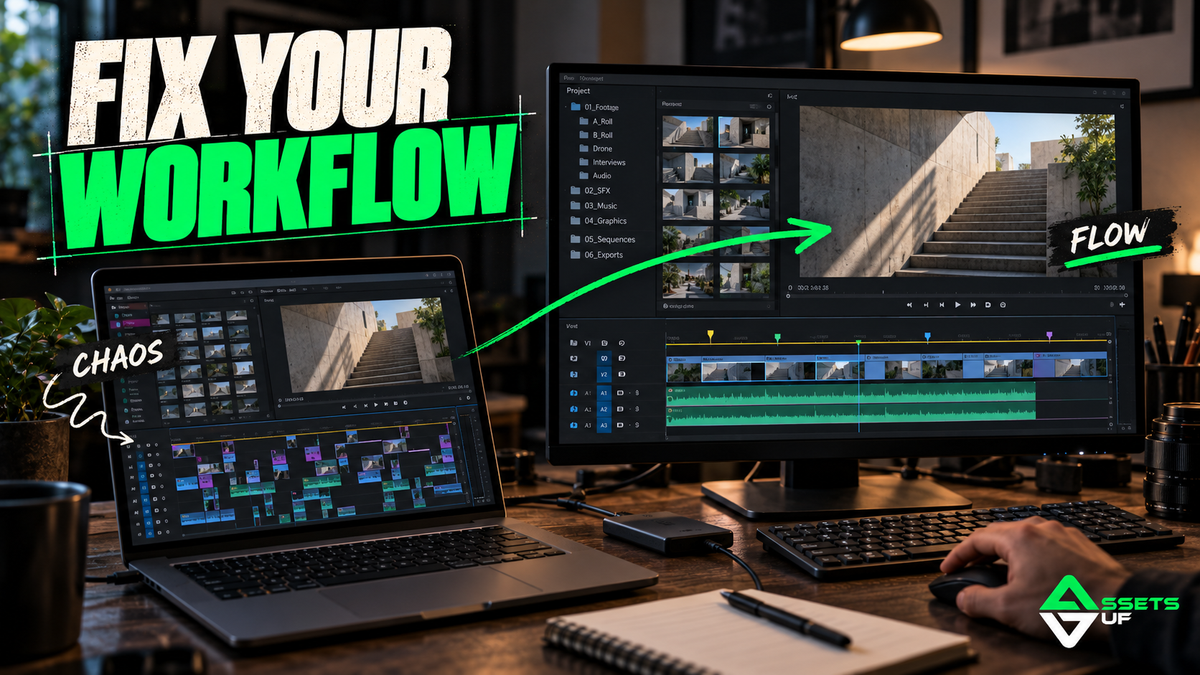
How to Improve Your Video Editing Workflow (For Real): Straight Talk, Editor to Editor
Blog of the Day | May 21, 2025
If you feel like every project drags out longer than it should...
If your timeline constantly turns into a mess...
If you lose focus or energy mid-edit — you're not alone.
Truth is, most editors don’t really have a solid workflow. And when that happens, everything becomes slower, messier, and more stressful than it needs to be.
But here's the good news: there are simple, real-world ways to fix that — no hacks, no hype, just the stuff that actually works.
What Is a Video Editing Workflow (and Why You Need One)?
Your workflow is the structure that keeps your project moving smoothly from import to export.
A good one means:
-
You know where to start
-
You know what happens at each step
-
You know where everything is, without wasting brainpower
It’s not about being robotic — it’s about freeing up your creativity by removing unnecessary stress.
Why Most Editors Struggle with Workflow
Let’s call it out. These are the common habits that kill your flow:
-
Files all over the place
-
No project templates
-
Always looking for effects last minute
-
No structure inside your timeline
-
Jumping between color, audio, and cut without finishing anything
-
Trying to “do it all at once”
-
Editing in chaos, hoping it’ll all come together
Sound familiar? You're not broken — your system is.
Real Tips to Fix Your Editing Workflow
1. Create a Master Project Template
Build a starter project with:
-
Folder structure (Footage, Music, Graphics, SFX, Exports...)
-
Your default sequence settings
-
Your favorite adjustment layers, graphics, LUTs, etc.
This alone saves you hours and mental fatigue every week.
2. Organize Everything — From Day One
Chaos eats time.
-
Name your files clearly (“Scene02_Take01_Audio.wav”)
-
Use track colors and markers
-
Keep assets in folders inside your editor
Good structure = less thinking = faster editing.
3. Edit in Passes (Not All at Once)
Stop trying to color, cut, mix and animate at the same time.
Break it down:
-
Rough cut
-
Clean cut
-
Audio
-
VFX
-
Color
-
Export
Stay focused on one task at a time. That’s how pros keep the flow clean.
4. Build a Personal Visual Library
Every editor needs a go-to folder full of:
-
Transitions
-
Textures
-
Overlays
-
LUTs
-
Sound FX
-
Graphic elements
Keep it organized. Keep it nearby. Don’t waste energy digging through folders or downloading last minute.
Final Words
Improving your editing workflow isn’t about working faster —
It’s about working smarter, with less friction, and more confidence.
It’s about knowing where everything is, staying focused, and creating without constantly getting pulled off track.
Great editors don’t “wing it”.
They build systems that support their creativity.

